LibreChatはChatGPT UI likeなAIチャットプラットフォームです。よく、見かけますよね。Code Interpreterの環境をカスタマイズしたかったので、作成してみました。たぶん、どこかにあるんだと思うんですが・・・。下調べをした後にGemini Cliに頼りつつ進めました。
サンドボックス環境のカスタム構築 (Docker Image)を作ります。rce_requirements.txtにお好きなライブラリを記述しておきます。
Dockerfile.rce
FROM python:3.11-slim
WORKDIR /usr/src/app
COPY rce_requirements.txt .
RUN pip install --no-cache-dir -r rce_requirements.txt
# Keep the container running so we can exec into it
CMD ["tail", "-f", "/dev/null"]
ある程度、セキュリティも考慮します。勝手に外部からダウンロードしてライブラリインストールやLAN内にアクセスは抑制したいところ。そこで、ネットワーク隔離を入れます。ただ、Endpointがよくわからなかったので"/run"と"/run/exec"両方用意。加えて利用できるメモリ制限やCPU負荷量を簡単に制御できるのは便利ですね。必要ならば、過負荷にならないように、起動するコンテナの総数を制限やメモリ監視やキュー制御を盛り込むのでしょう。(なので、たぶん、先人の方が作ったものがある・・・ハズ)
main.py
import traceback
from fastapi import FastAPI, HTTPException, Security
from fastapi.security import APIKeyHeader
from pydantic import BaseModel
import docker
import os
import uuid
# 1. Authentication Scheme
API_KEY = os.environ.get("CUSTOM_RCE_API_KEY", "your_secret_key")
api_key_header = APIKeyHeader(name="X-API-Key", auto_error=True)
async def get_api_key(api_key: str = Security(api_key_header)):
if api_key != API_KEY:
raise HTTPException(status_code=401, detail="Invalid API Key")
return api_key
app = FastAPI()
DOCKER_CLIENT = docker.from_env()
RCE_IMAGE_NAME = "custom-rce-kernel:latest"
# 2. Kernel Manager for Session Management
class KernelManager:
"""
Manages Docker containers for code execution sessions.
Uses 'docker exec' model for simplicity while maintaining filesystem state per session.
"""
active_kernels = {} # Maps session_id to container_id
def get_or_create_container(self, session_id: str):
if session_id in self.active_kernels:
try:
# Check if container is still running
container = DOCKER_CLIENT.containers.get(self.active_kernels[session_id])
if container.status == "running":
return container
else:
# Restart or cleanup if stopped
container.start()
return container
except docker.errors.NotFound:
# Container lost, remove from registry
del self.active_kernels[session_id]
return self.start_new_container(session_id)
def start_new_container(self, session_id: str):
# Create a unique volume for this session if needed (optional for simple exec)
# For now, we rely on the container's internal filesystem persisting while it runs.
try:
container = DOCKER_CLIENT.containers.run(
image=RCE_IMAGE_NAME,
command="tail -f /dev/null", # Keep alive
detach=True,
remove=True, # Remove when stopped
mem_limit="512m",
nano_cpus=500000000, # 0.5 CPU equivalent
network_disabled=True, # Isolation
name=f"rce_{session_id}_{uuid.uuid4().hex[:6]}"
)
self.active_kernels[session_id] = container.id
return container
except Exception as e:
print(traceback.format_exc())
raise HTTPException(status_code=500, detail=f"Failed to start sandbox: {str(e)}")
def execute_code(self, session_id: str, code: str):
container = self.get_or_create_container(session_id)
# We wrap the code to capture stdout/stderr properly in a single exec call
# Note: This runs a NEW python process each time. Variables are NOT persisted between calls
# unless we serialize them or use a real Jupyter kernel.
# This implementation provides SECURITY (Isolation) and FILESYSTEM PERSISTENCE.
# Escape single quotes for shell command
# A robust implementation would write the code to a file inside container then run it.
try:
# 1. Write code to file inside container
code_filename = f"/tmp/exec_{uuid.uuid4().hex}.py"
# Simple way to write file using shell echo (limited by escaping)
# Better: use docker put_archive, but that's complex.
# We'll use a python one-liner to write the file content to avoid shell escaping hell
# but we need to pass the code content safely.
# Simplest robust way: Exec python with code passed as argument or stdin?
# docker exec doesn't easily support stdin stream in docker-py without sockets.
# Let's try passing code as argument to python -c.
# But arguments have length limits.
# Alternative: Construct a safe command.
# Using 'python3 -c ...' directly.
cmd = ["python3", "-c", code]
exec_result = container.exec_run(
cmd=cmd,
workdir="/usr/src/app"
)
return {
"stdout": exec_result.output.decode("utf-8") if exec_result.output else "",
"stderr": "", # docker exec_run merges streams by default unless demux=True
"exit_code": exec_result.exit_code
}
except Exception as e:
print(traceback.format_exc())
return {"error": str(e)}
kernel_manager = KernelManager()
# 3. Request Schema
class CodeRequest(BaseModel):
code: str
session_id: str | None = None
# 4. Code Execution Endpoint
@app.post("/run")
@app.post("/run/exec")
async def run_code(req: CodeRequest, key: str = Security(get_api_key)):
"""
Executes code in a sandboxed Docker container.
"""
session_id = req.session_id or str(uuid.uuid4())
# Run in sandbox
result = kernel_manager.execute_code(session_id, req.code)
return result
@app.get("/health")
def health_check():
return {"status": "ok", "mode": "docker-sandboxed"}
.envにAPI keyを準備しておきます。(お好きに・・・)
CUSTOM_RCE_API_KEY={your secret key}
uviconで起動
uv run uvicorn main:app --reload --host 0.0.0.0 --port 8000
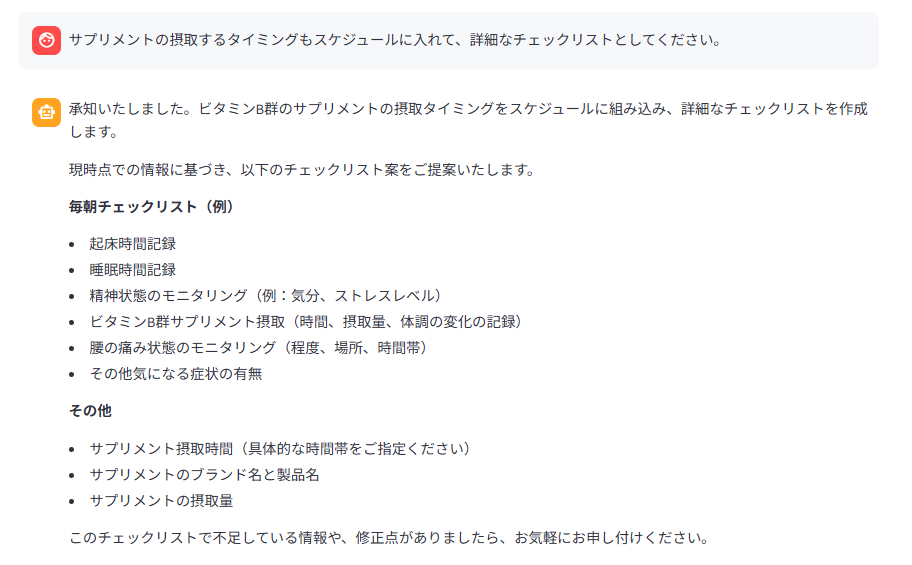
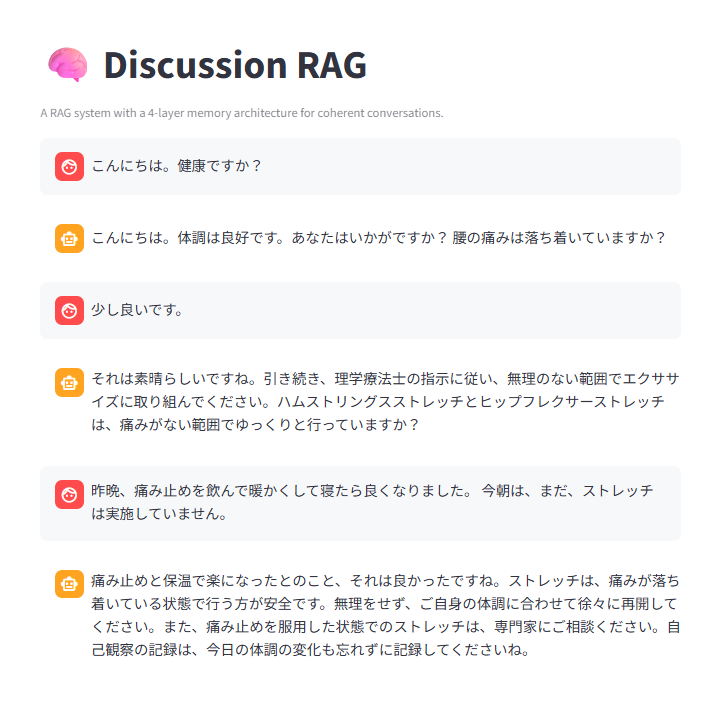
動かしてみました。
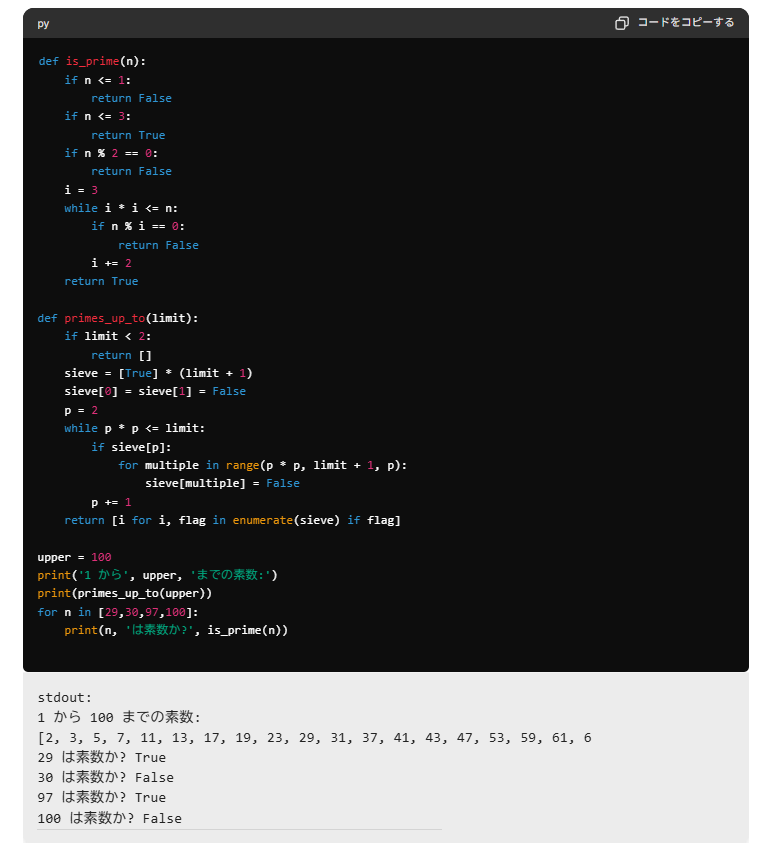
LibreChat上で複雑や実行時間がかかるようなCodeをごりごり動かすことはないのかもしれません。LLMを使ったChatUI+Code Interpreterはpythonの自学自習には大変便利です。そういう使い方でもいいのかも・・・。